
Deep dive
HMCL features in depth
This page maps HMCL capabilities to the workflows players, admins, and pack authors care about: inspection, monitoring, permissions-aware setup, performance insight, and extensibility through loaders, mods, and packs.
Process-style inspection for Minecraft instances
HMCL treats each instance like a first-class workspace. You can audit folders, verify which Minecraft version is bound, and reason about mods and loaders without mixing worlds. That mental model mirrors how power users inspect processes: identify the unit of work, validate inputs, and isolate side effects.
- Version pinning per instance so upgrades are deliberate, not accidental.
- Clear separation of game assets, saves, and loader metadata for easier debugging.
- Practical navigation for crash artifacts and logs when something fails at launch.
If you are troubleshooting, start with Reading logs and crash hints on the Guides page.
System monitoring mindset for Java edition play
HMCL is not a kernel monitor, but it is where many players set the knobs that affect stability: Java selection, memory ceilings, and download behavior. Treat the launcher as your control plane: observe symptoms in game, then return to HMCL to align the runtime with the instance you are testing.
Runtime alignment
Pick a Java distribution and major version that matches your Minecraft release and mod loader expectations.
Download hygiene
Centralized download settings reduce surprises when networks throttle or mirrors fluctuate.
See Java setup that survives updates for a guided checklist.
Advanced permissions and account-aware workflows
Launchers interact with authentication, local files, and sometimes offline play scenarios. HMCL focuses on predictable account synchronization and transparent file locations so you can reason about consent and scope: what touches the network, what stays on disk, and which instance owns which credentials state.
Responsible use
Use HMCL only in ways that comply with Mojang and Microsoft policies for the products you own. Do not use launcher features to bypass protections or harm servers.
Read Legal usage and ethics for a plain-language policy framing.
Performance insights through JVM and launch controls
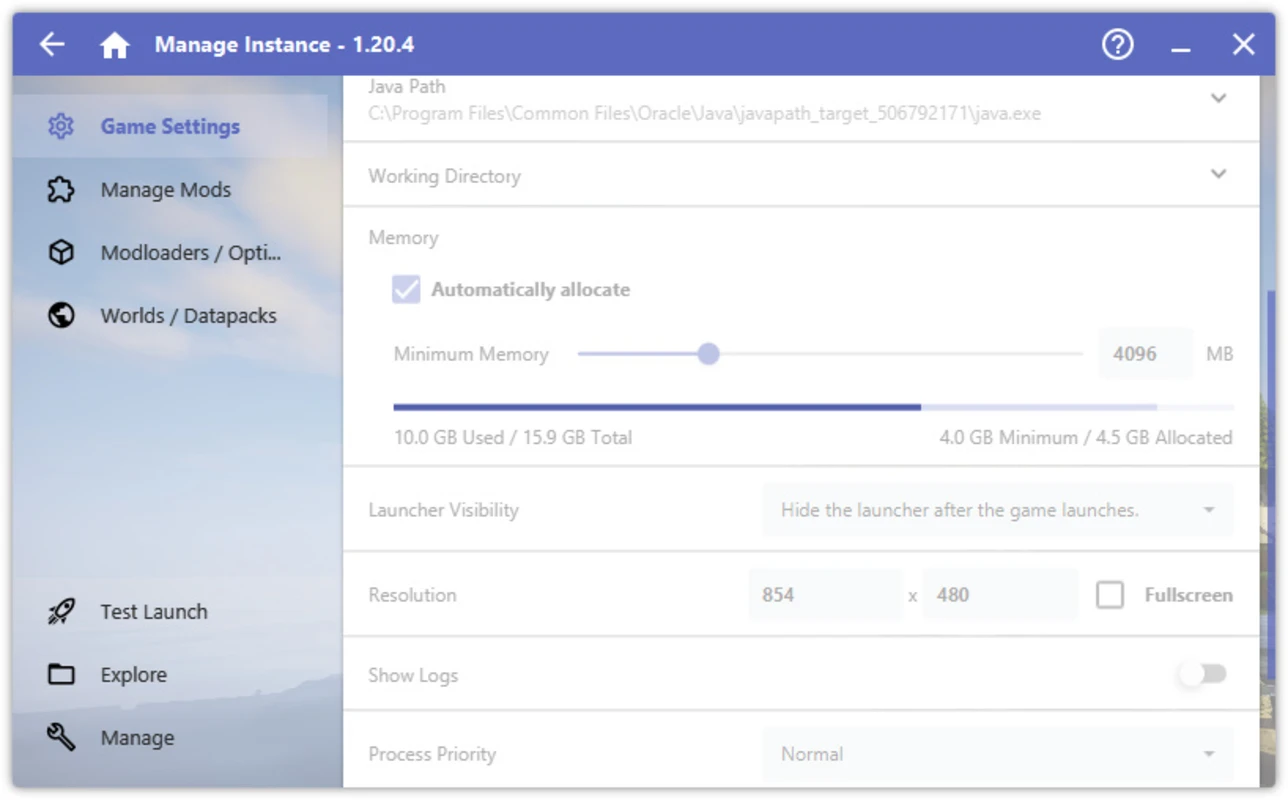
HMCL exposes the levers players use to translate hardware into smooth modded sessions: heap sizing, advanced JVM flags, and launch presets. The goal is not synthetic benchmarks inside the launcher, but repeatable configuration that reduces stutter, out-of-memory exits, and class-loading churn when large mod packs are involved.
Heap and ergonomics
Match memory to your pack size and keep headroom for the operating system and GPU driver stacks.
Advanced JVM arguments
Apply carefully tested flags for your Java version. Prefer small, measurable changes over large bundles you cannot explain.
Walk through Memory tuning without guesswork before changing aggressive flags.
Plugin and mod ecosystem support
HMCL supports the mod stack as a system: install loaders, add mods, manage datapacks, and integrate OptiFine where applicable. Cross-platform coverage also matters for clubs and classrooms that mix Windows, Linux, and macOS machines.
Loader installation
Forge, NeoForge, Fabric, Quilt, LiteLoader, and OptiFine-oriented flows reduce manual steps that cause mismatched game versions.
Catalog discovery
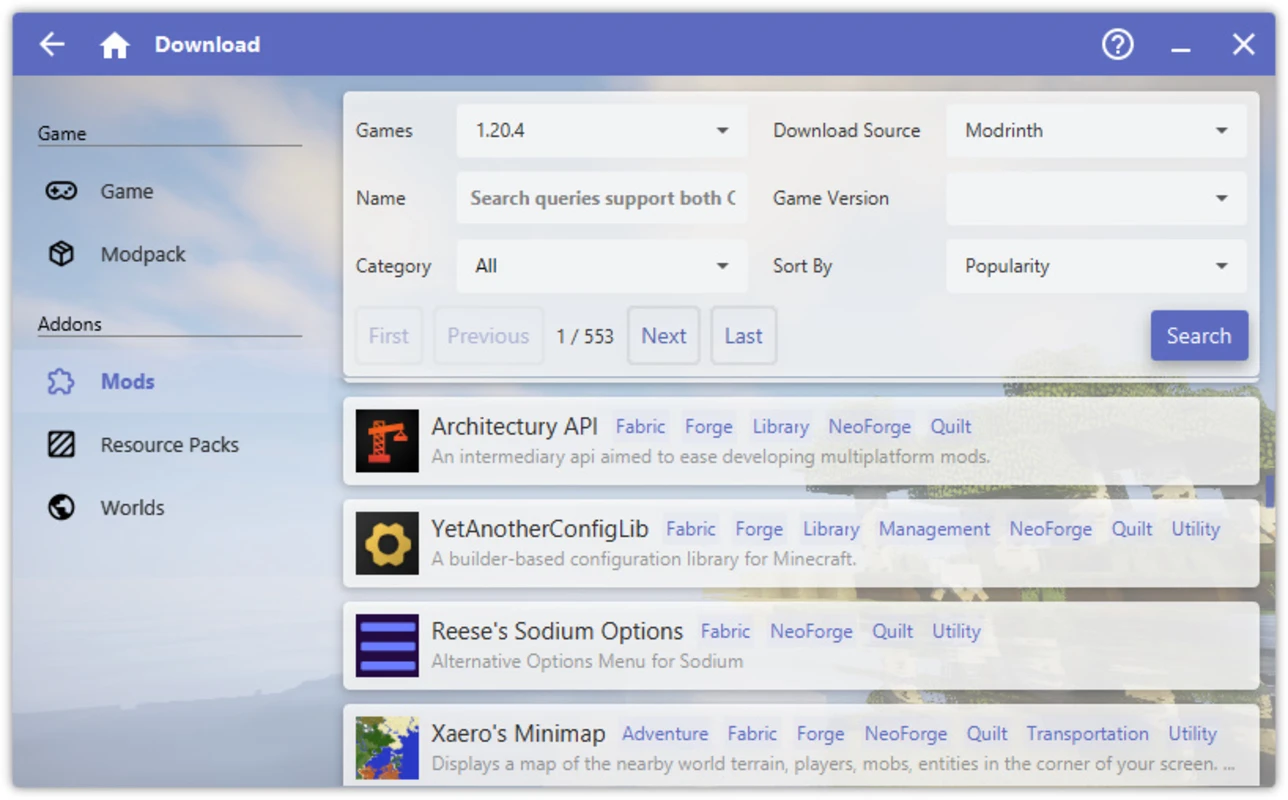
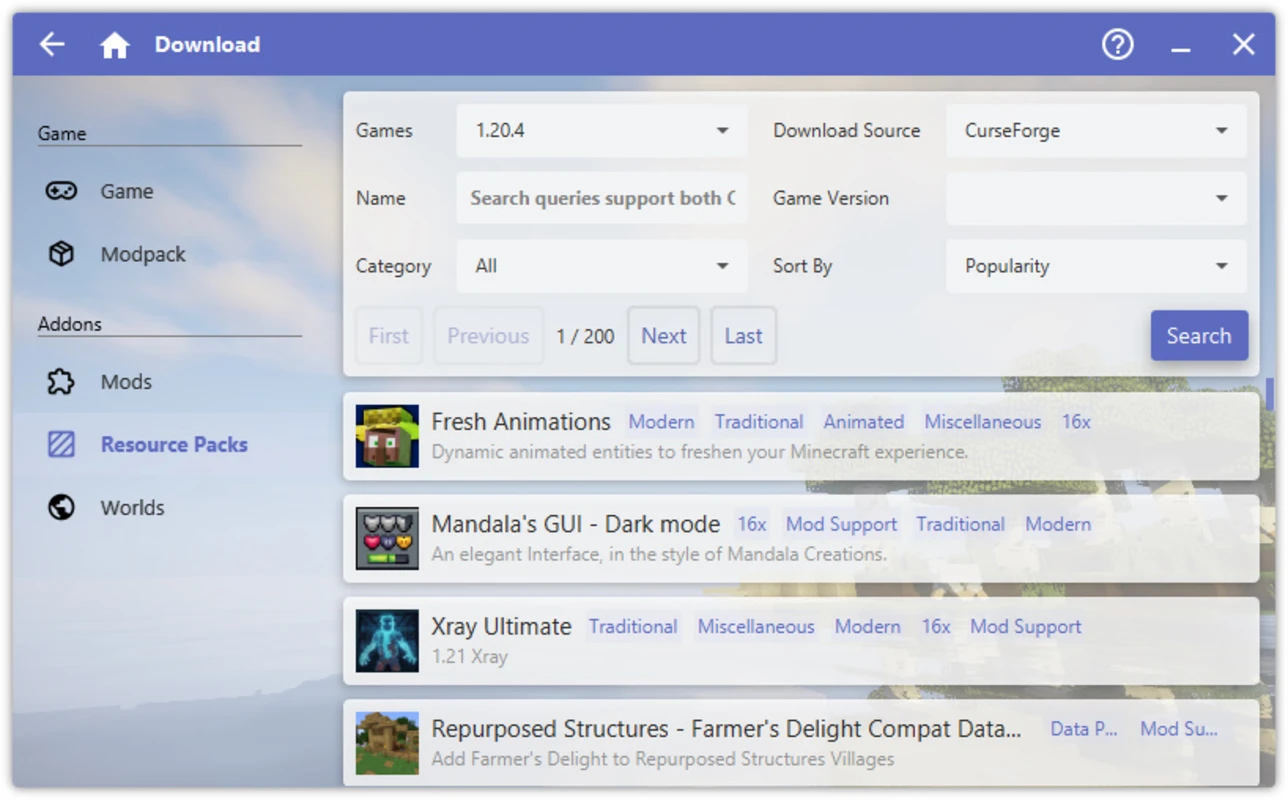
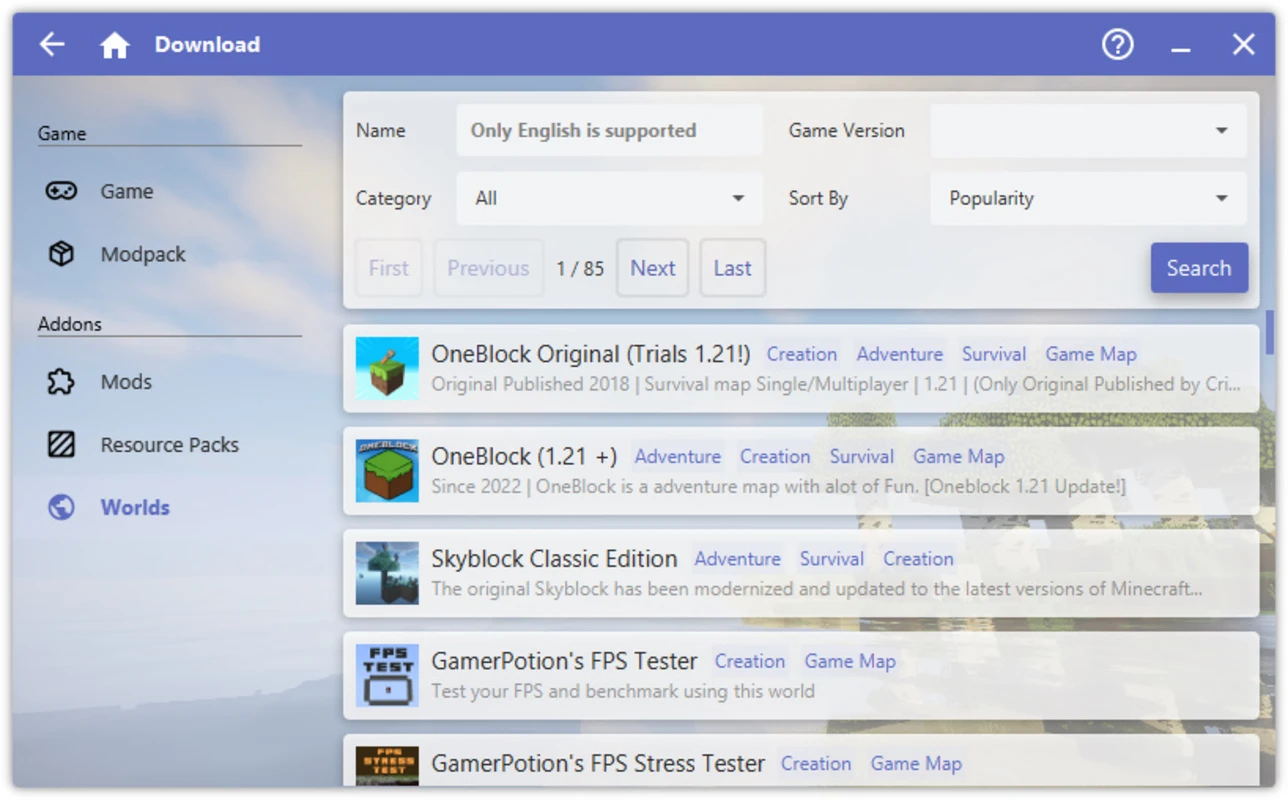
Filter by category, popularity, and compatibility signals so downloads align with the instance you selected.
Modpack authoring support
Create and iterate modpacks with a workflow that stays close to the folders and manifests you will ship to friends or players.
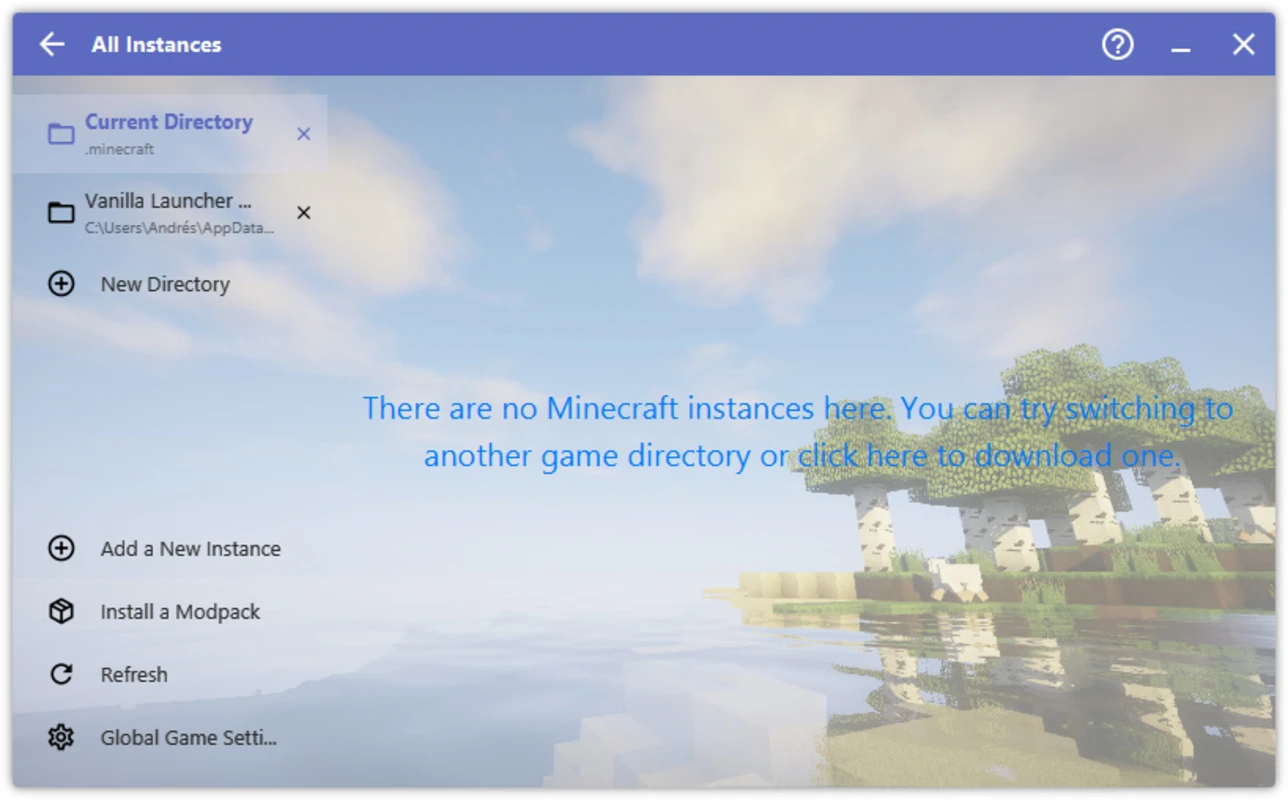
Mods, resource packs, maps
Keep downloads tied to the instance that will consume them. HMCL is built around that constraint so folders stay coherent.
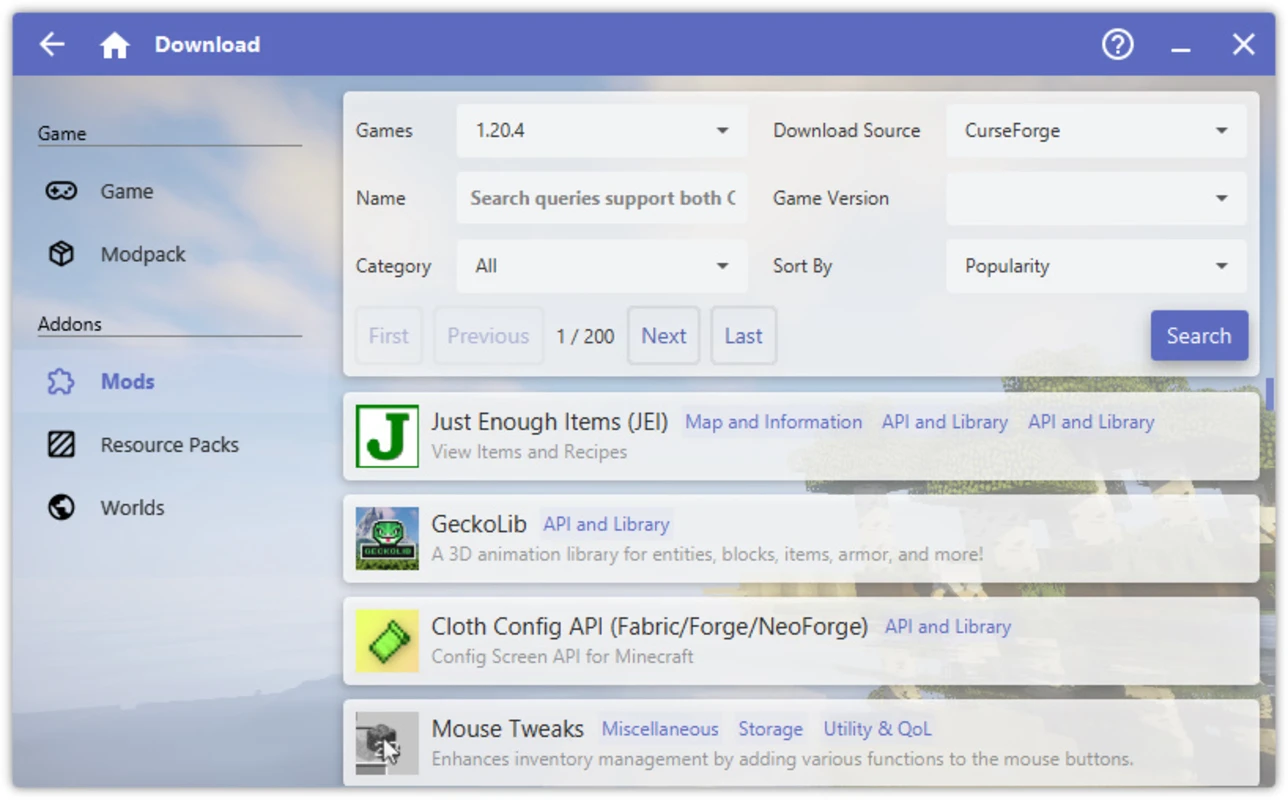
UI customization
Tune visuals to reduce eye strain and make dense mod lists easier to scan during long sessions.
Continue with Resolving mod conflicts when a pack grows beyond a handful of jars.
Cross-platform reach
HMCL is known for broad operating system coverage on common desktop platforms and attention to multiple CPU architectures in community builds. That reach matters when one friend group spans laptops with different chipsets and Linux distributions.
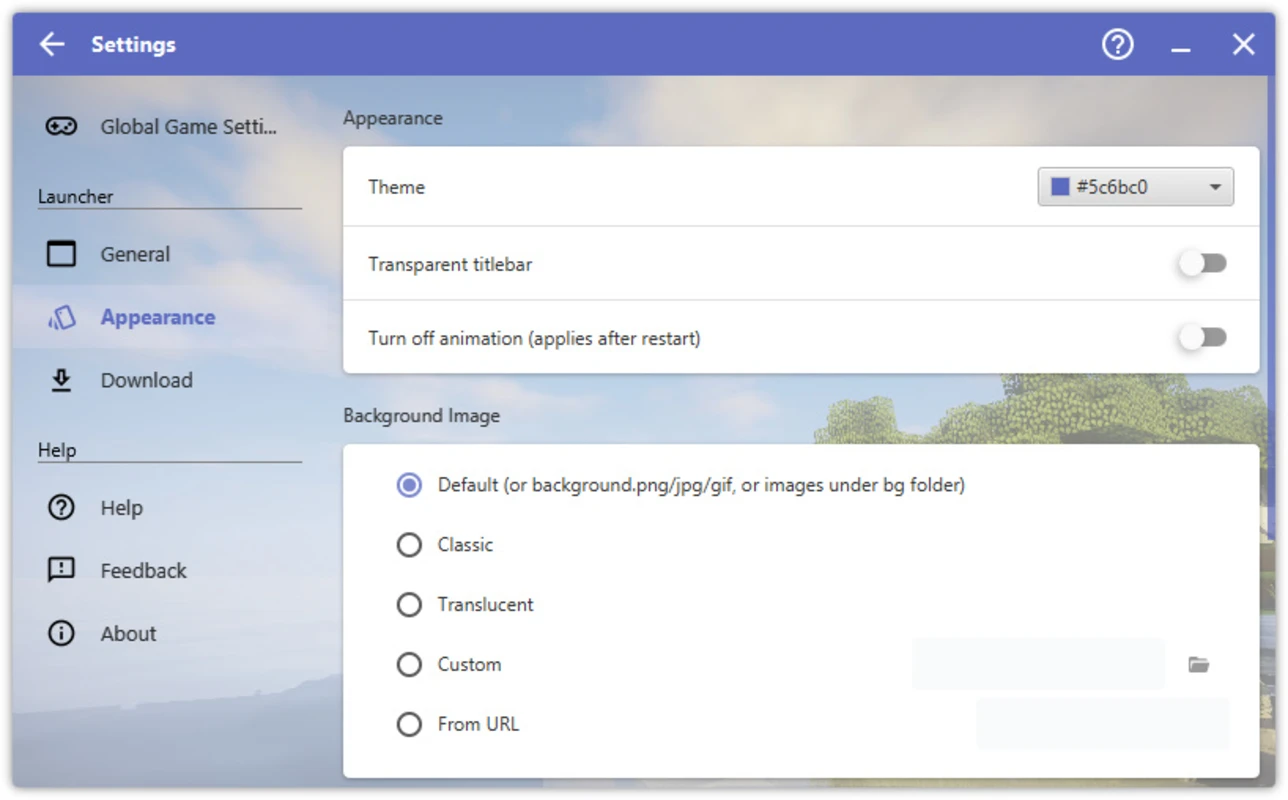
Navigation that scales
Left-rail organization mirrors how players think: instances first, then tools, then global settings.
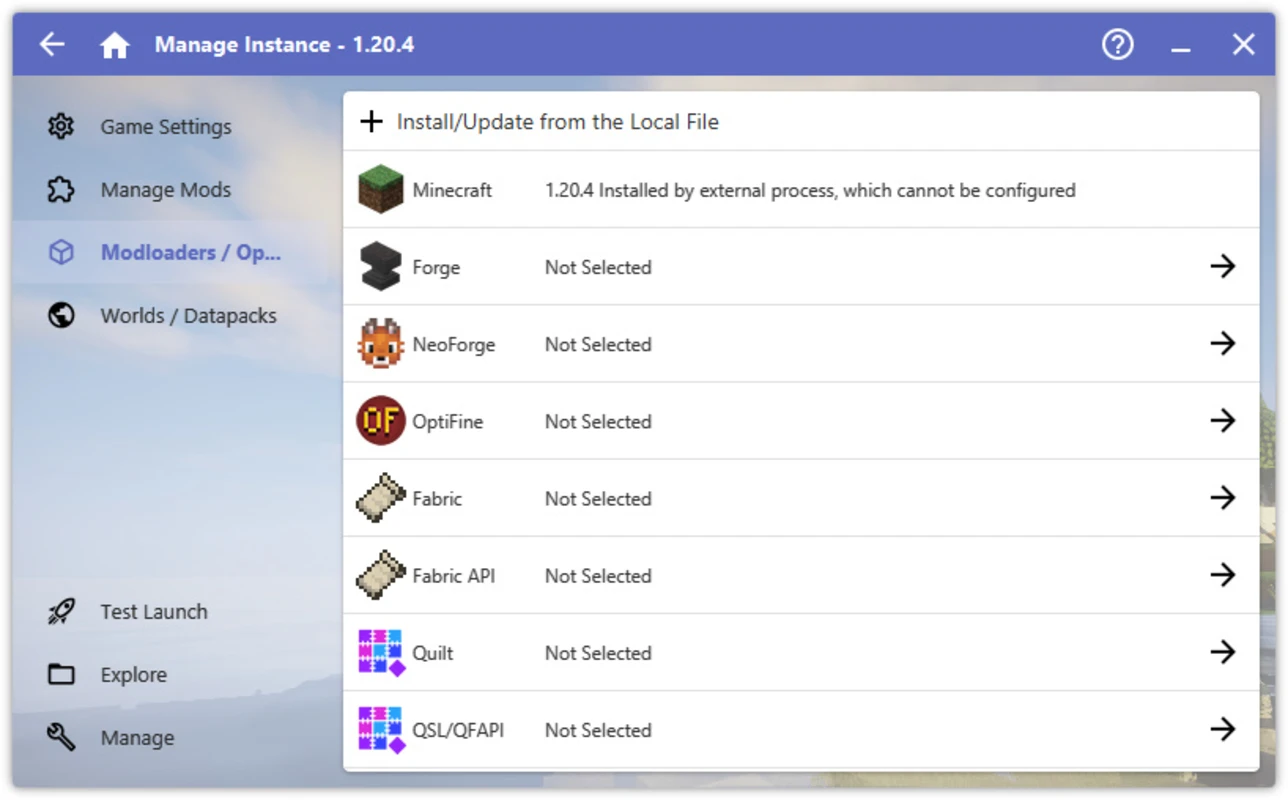
Version management
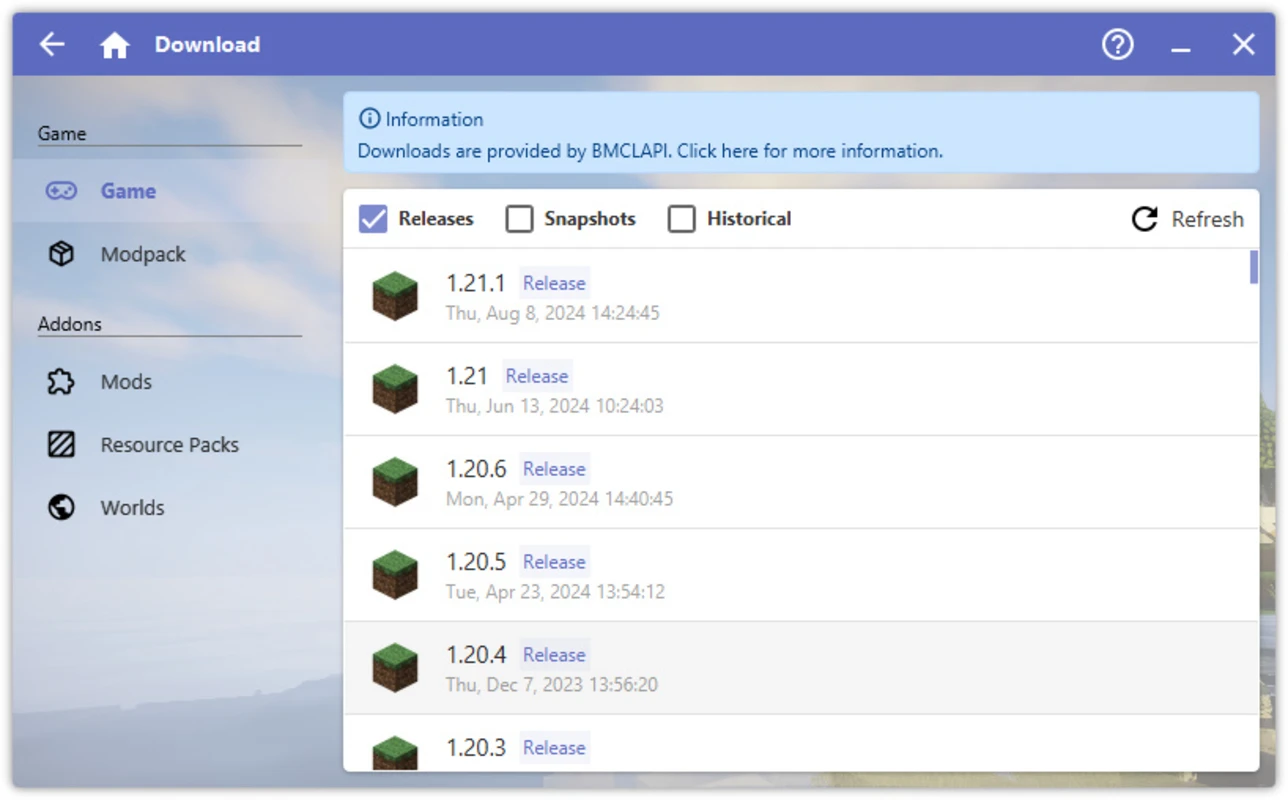
Historical Minecraft releases and modern releases can coexist as separate instances with their own dependency graphs.
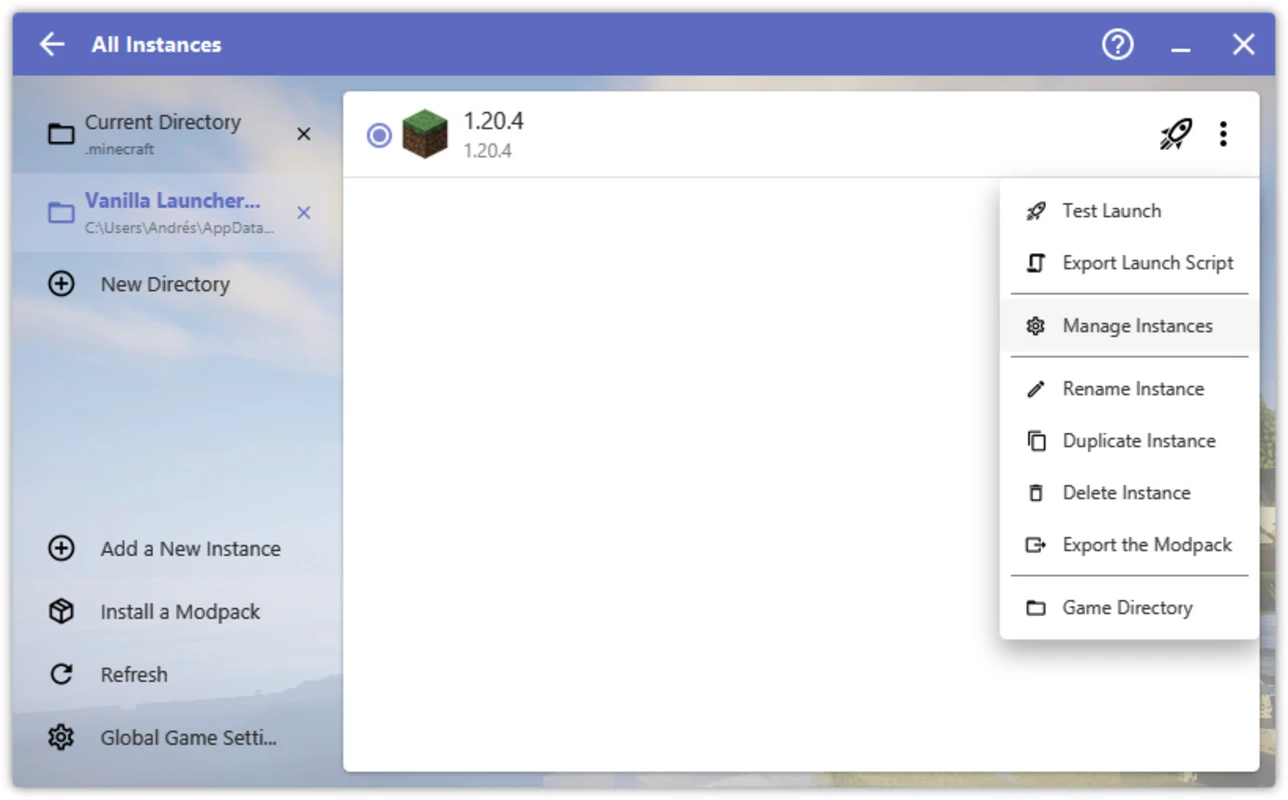
Layouts for real desks
HMCL adapts to different display sizes so controls remain reachable during quick fixes between matches.
More visuals from the local media set
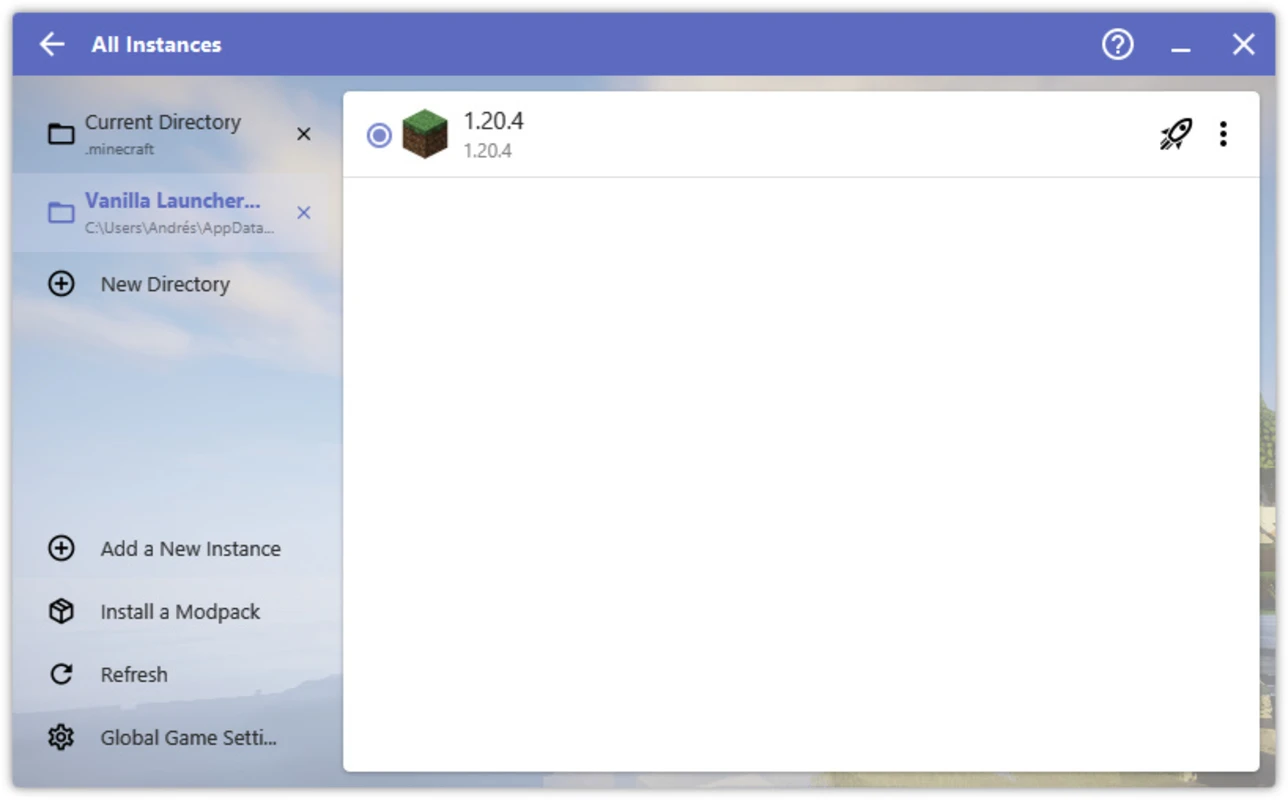
The gallery below uses included WebP captures for visual reference.
Next step: verify, download, launch
Pick a build, compare checksums when available, and follow the Guides section if anything blocks first launch.